Adding WABA to Platform
How to Add WhatsApp Business Account to Whispabot Platform
1. On the sidebar menu, click on the Channel > Channel.
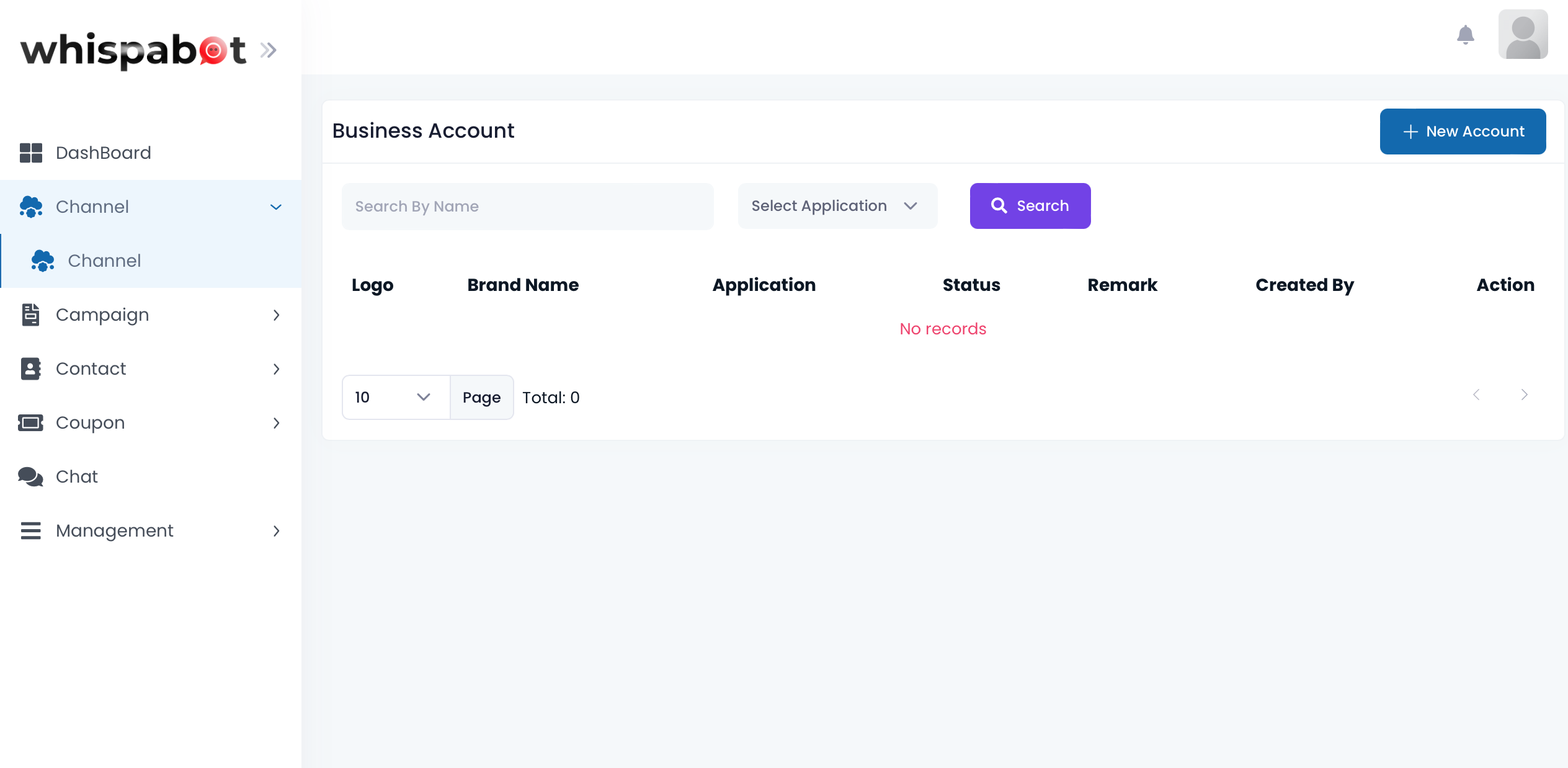
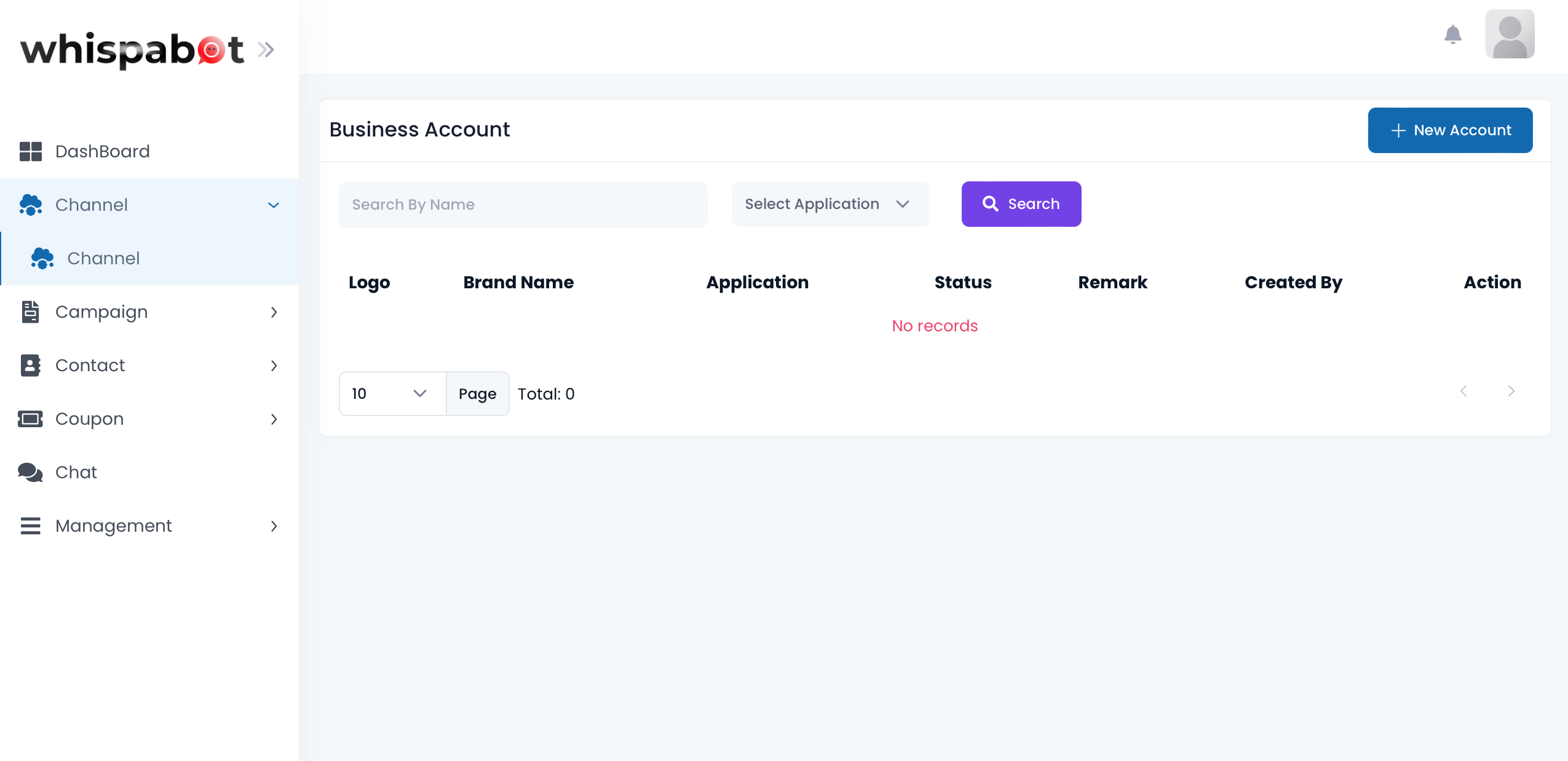
2. Click on the "+ New Account"
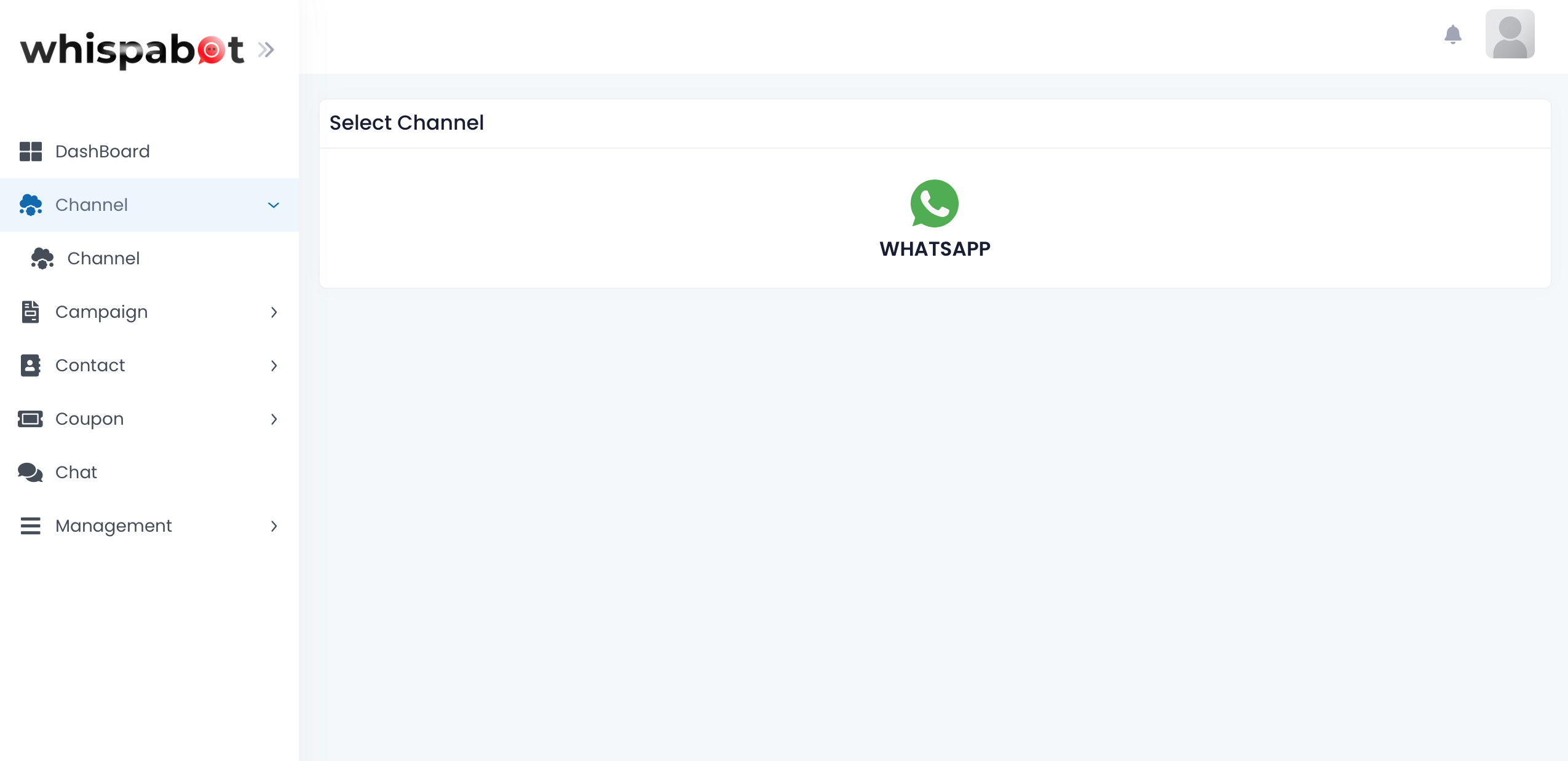
3. Click on WhatsApp button
4. Click Onboard with MMP
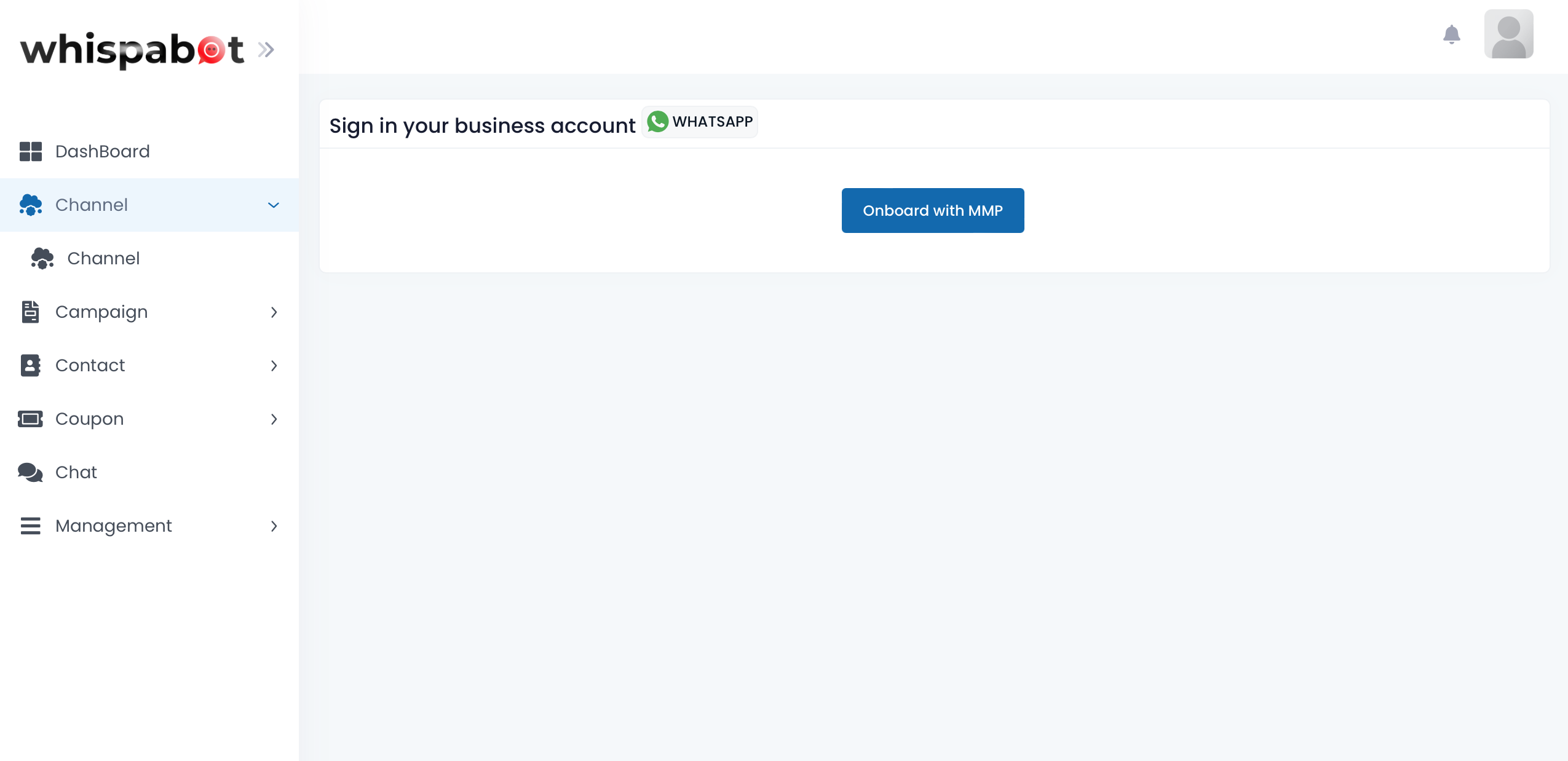
Follow the steps provided by Meta to complete the onboarding of WABA to Whispabot platform.