WhatsApp Campaign
Creating a WhatsApp Campaign shall be done after the template has been approved. If it's a broadcast template, it has to be approved by Meta.
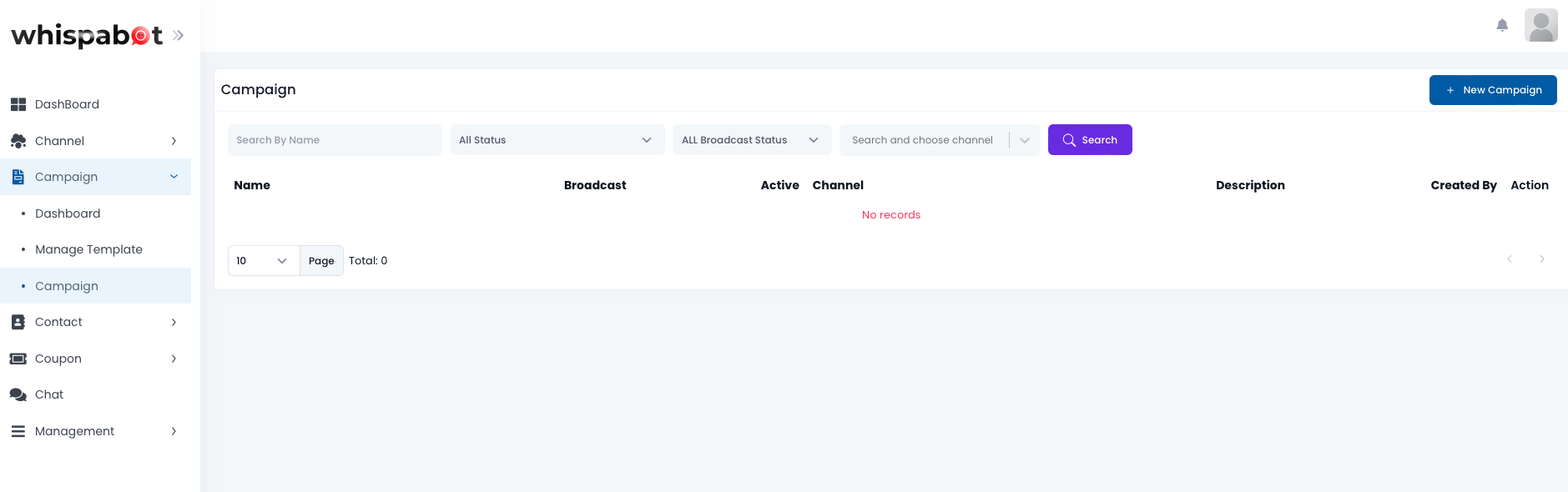
On the left menu, click on Campaign > Campaign. Once the page is loaded, click on '+ New Campaign' button on the top right corner.
Campaign Details
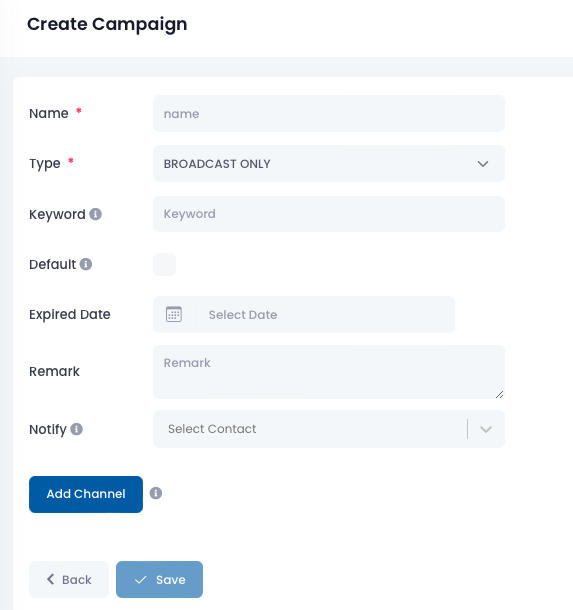
- Name: Name of the campaign.
- Type: Broadcast only or Conversation.
- Keyword: For opt-in conversation message. When user key in the keyword, it will activate the conversation flow.
- Expired Date: Campaign expiry date.
- Remarks: For user remarks.
- Notify: The selected contact will receive the broadcast message after broadcast is completed.
- Add Channel: Click to add a WhatsApp channel when information is filled.
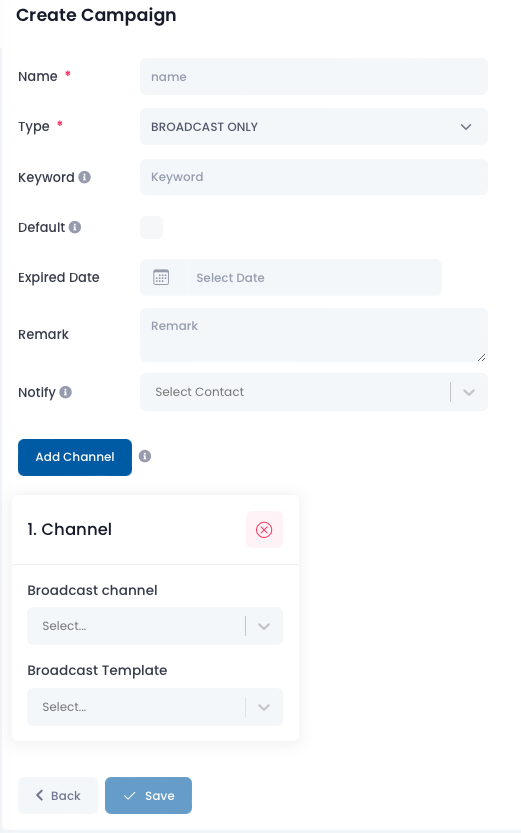
Broadcast Only
Conversation
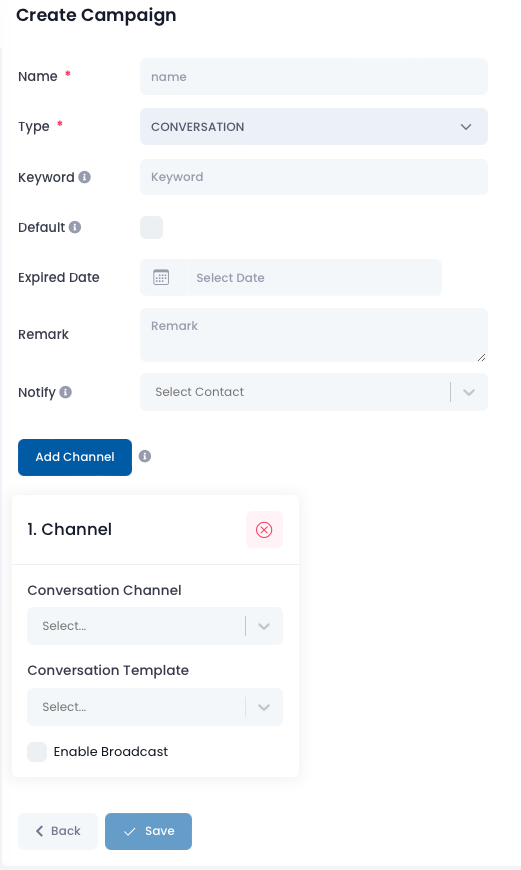
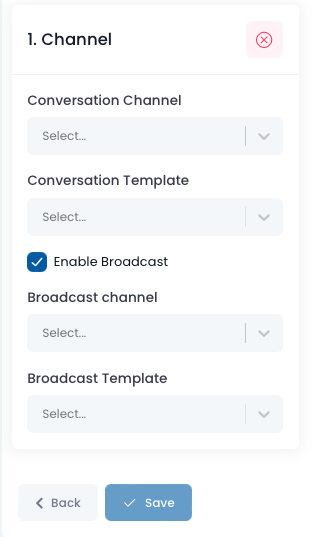
Channel Selection
After selecting the broadcast channel, select the broadcast template that was created and approved by Meta. Similarly, After selecting conversation channel, choose the conversation template that was created. If there is a broadcast before the conversation, check on the Enable Broadcast, followed by the selection of broadcast channel and template.