Getting Started
System Requirements:
Browser: Google Chrome (Recommended)
Stable internet connection
Accessing The Platform:
Open your browser.
Go to https://mmp.whispabot.com
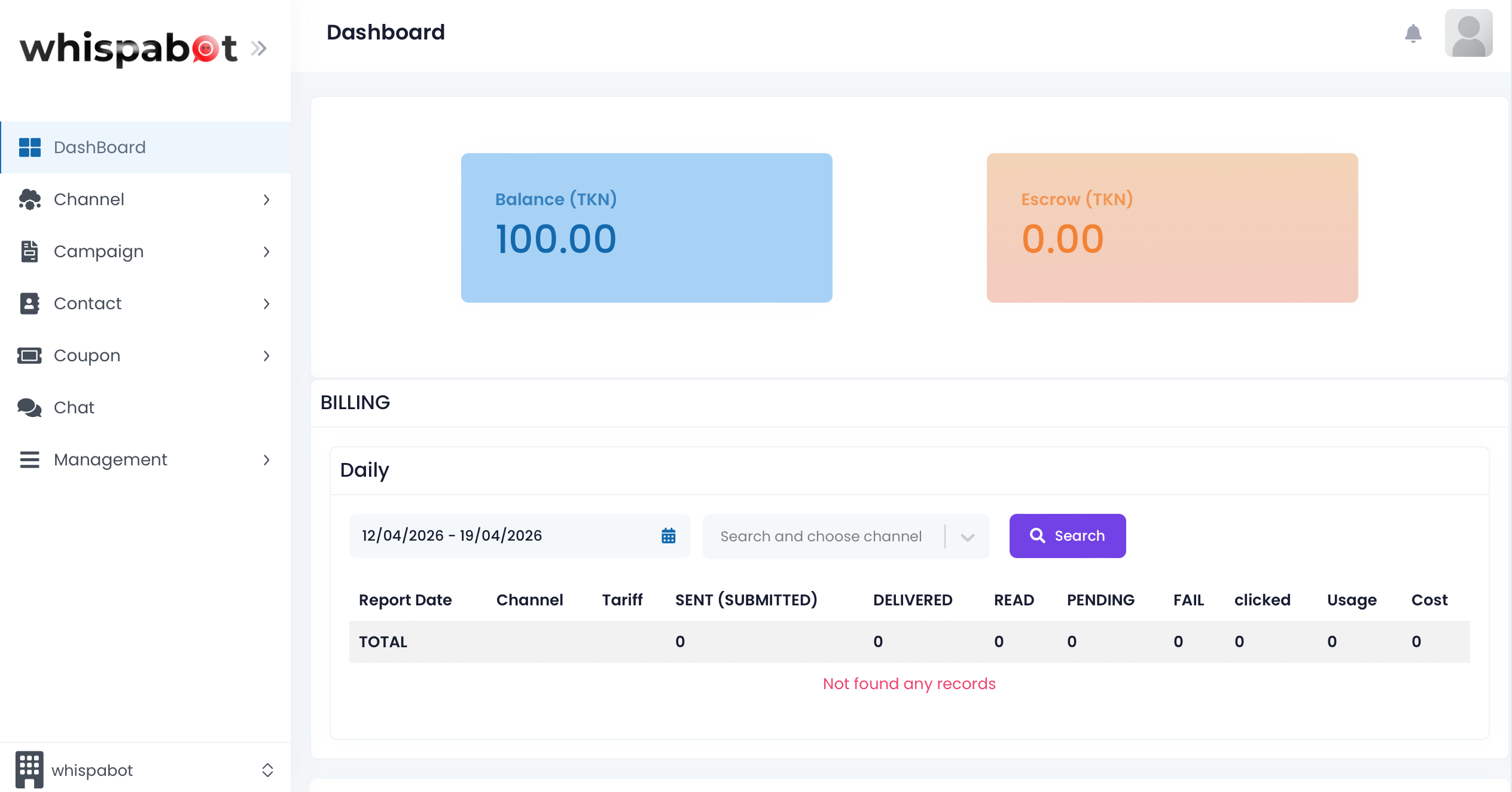
Login with WhatsApp
Login with WhatsApp
- Click on the Login with WhatsApp button to login with WhatsApp.
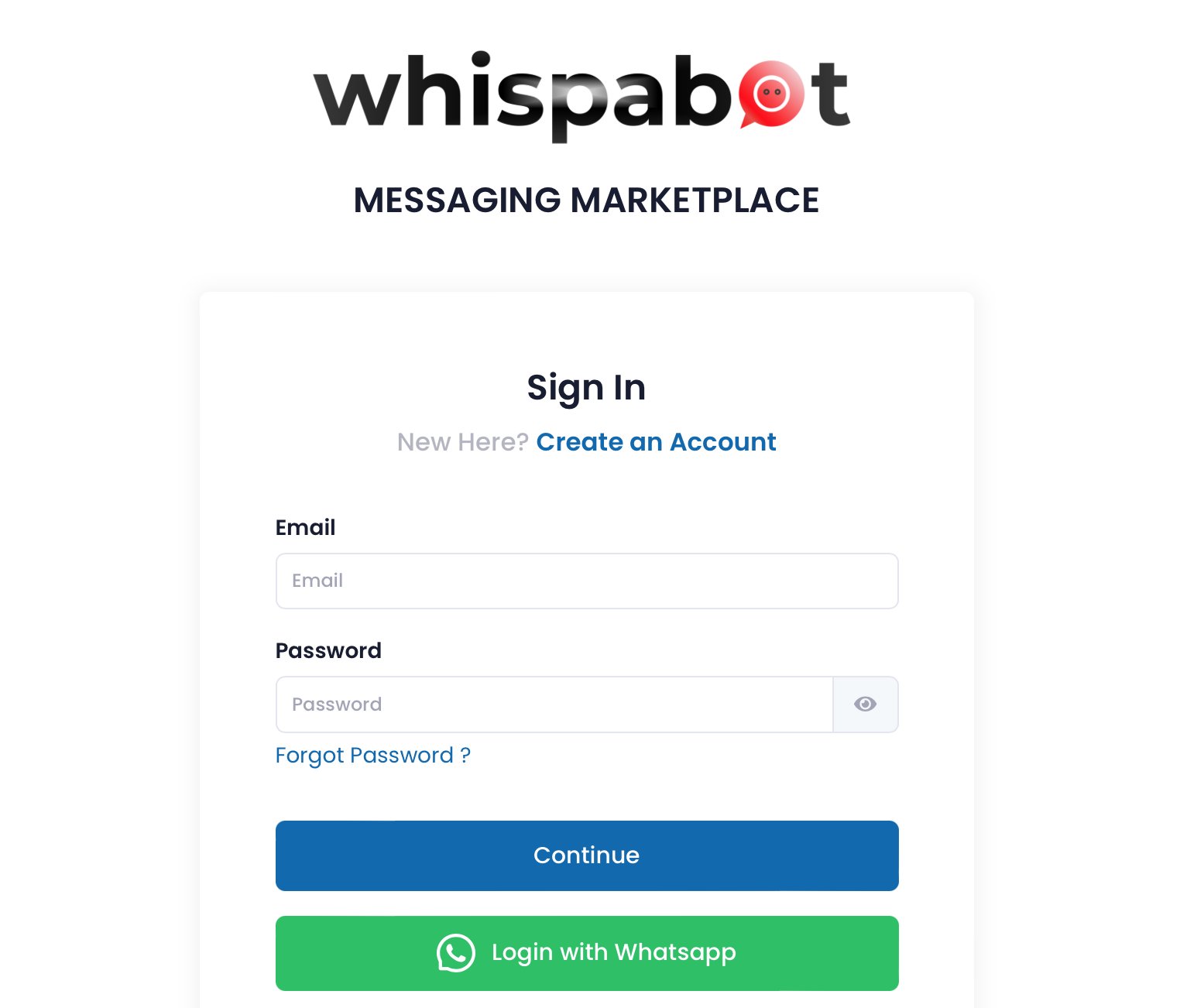
- Scan the QR code shown on screen with your mobile phone.
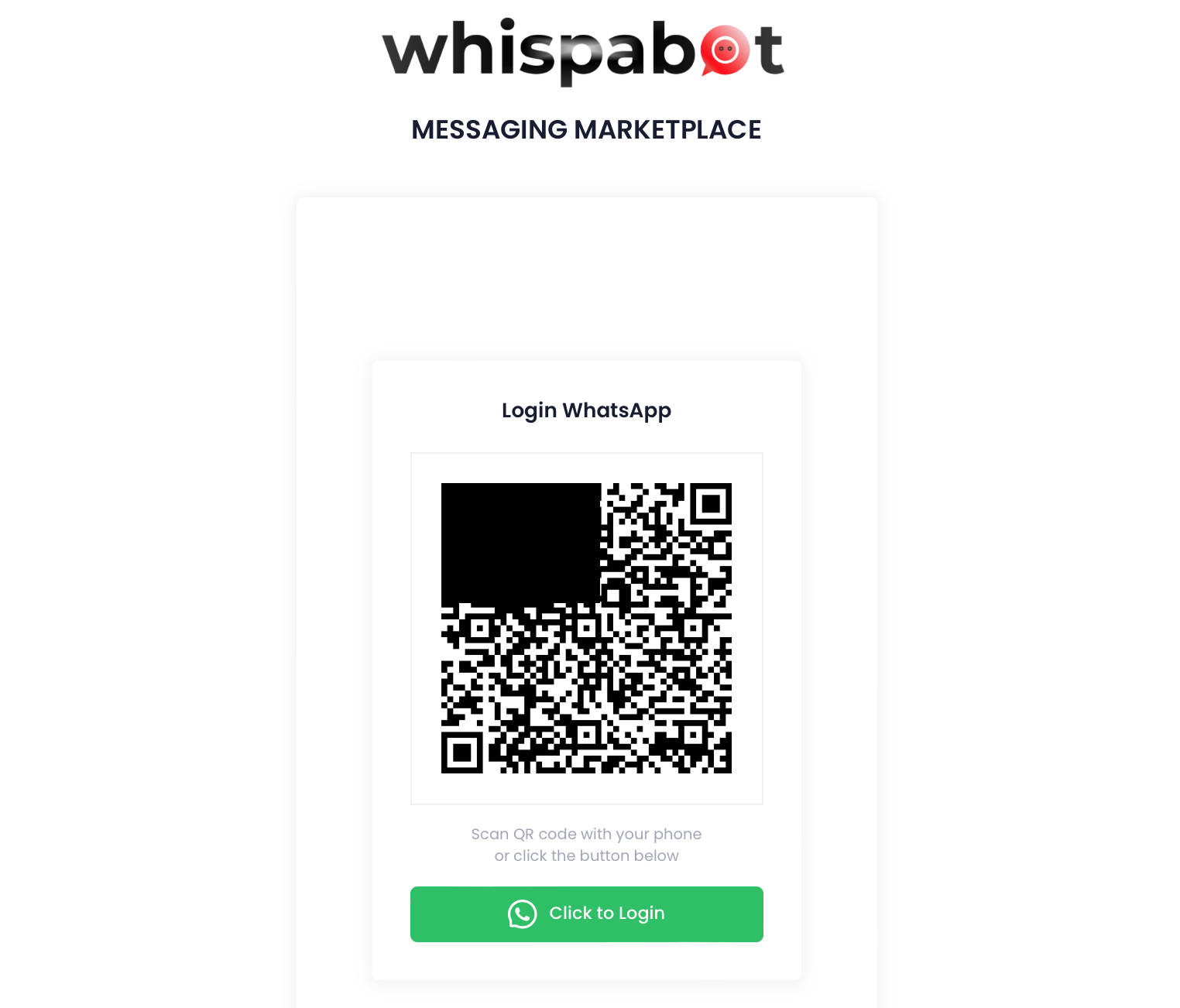
A WhatsApp message will be sent to you by Whispabot. Press send button and you will be login to the platform successfully.
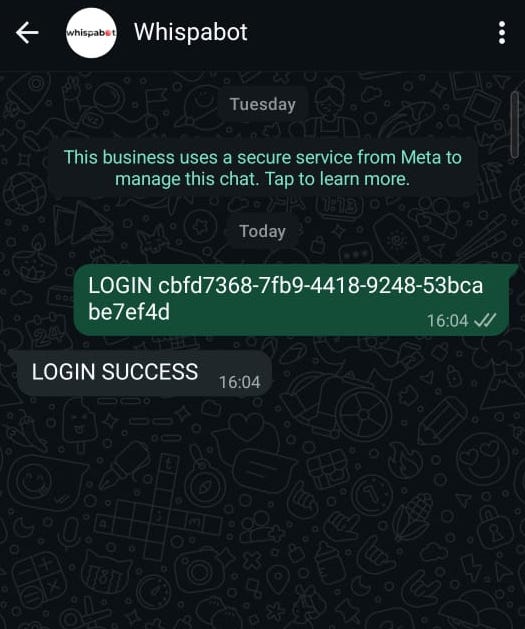
After successfully login, you will be redirected to the user dashboard.